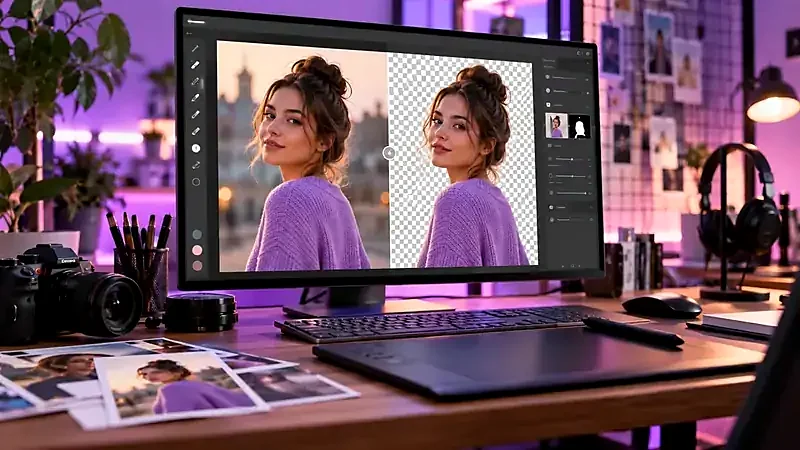
Two ways a remover can work
Cloud removers upload your photo to a server, run the model there, and send the result back. They can use large models and fast GPUs, but your picture leaves your device and is handled under someone else’s policy.
Browser-based removers download a model and run it on your own computer or phone. The photo stays on the device. The trade-off is a first-use download and speed that depends on your hardware. Pixetools works this way.
A checklist for any free tool
| Question | Why it matters |
|---|---|
| Is my photo uploaded? | Matters for ID photos, children, work documents and unreleased products |
| Is the download full resolution? | Some tools give a small preview free and charge for the large version |
| Is there a watermark? | It makes the result unusable for professional work |
| Do I need an account or credits? | “Free” sometimes means a few images per day |
| How long do they keep my file? | Read the privacy policy |
| What are the usage rights of the result? | You should keep rights to your own photos |
How Pixetools handles those questions
- Processing: locally in your browser. The only network traffic is the one-time download of the AI model files from a public CDN. See our privacy policy.
- Resolution and watermark: we add no watermark and do not shrink your photo on desktop before processing. On phones, photos above roughly 16 megapixels are scaled down first because mobile browsers run out of memory.
- Account and limits: none. Files up to 25 MB are accepted.
Honest limitations
- The first run takes longer because the model must download.
- On older phones or slow connections, processing can be slow.
- There is no batch mode: images are processed one at a time.
- Like every automatic tool, it can struggle with hair, glass, smoke and low-contrast edges. Paid, specialised tools may handle some of these cases better.
Getting the best result from any tool
Use a sharp photo with contrast between subject and background, as explained in our step-by-step workflow. For product listings, see product photo mistakes.
What to do with the result
A transparent PNG can be large. Convert it to WebP with the Image Converter or shrink it with the Image Compressor, which keep transparency when you choose WebP.
Troubleshooting slow or failed runs
- The first run seems stuck. The model is several megabytes and has to download before processing begins. Wait for it on slow connections, and keep the tab open.
- It fails on a phone. Close other tabs to free memory, or resize the photo to about 2000 pixels on the long side with the Image Resizer first.
- A corporate or school network blocks the model download. The model files come from public CDNs. If your network blocks them, try a different connection.
What you can do with the result
You keep the rights you already have in your own photo. Removing a background does not change who owns the picture: if the photo shows a trademarked product, a copyrighted artwork or a person who has not agreed to its use, the usual permissions still apply. For product shots, our guide on product photo mistakes explains how to prepare images for shops and marketplaces.
Try it: Background Remover
Cut out the subject of a photo and get a transparent PNG. Free, private, and it runs in your browser.
Open Background RemoverFrequently asked questions
Is it really free?
Yes. There is no account, watermark or daily limit. Pixetools may later show unobtrusive advertising, but the tools will remain free to use.
Is it safe to use for personal photos?
The photo is processed on your device and is not uploaded. That is the safest design for personal images.
Why is the first run slow?
Your browser downloads the AI model once. After that, it is cached.
Does it work offline?
Not the first time, since the model must be downloaded. Browser caching may allow later use, but this is not guaranteed.
Is the output resolution reduced?
We do not downscale your photo on desktop. On phones, photos above about 16 megapixels are scaled down before processing.