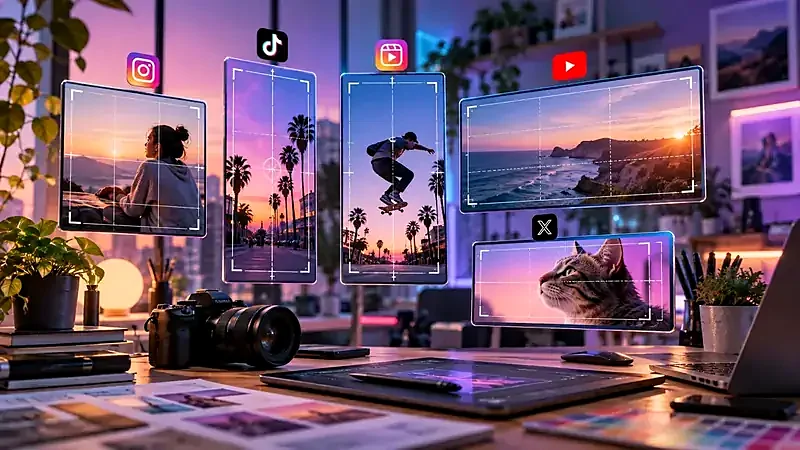
This table collects the sizes designers commonly use. They are working sizes, not official guarantees: platforms update their layouts, and the safest approach is to use the correct shape and keep important content away from the edges.
The quick table
| Platform and placement | Working size (px) | Ratio |
|---|---|---|
| Instagram feed, square | 1080 × 1080 | 1:1 |
| Instagram feed, portrait | 1080 × 1350 | 4:5 |
| Instagram feed, landscape | 1080 × 566 | 1.91:1 |
| Instagram Stories / Reels | 1080 × 1920 | 9:16 |
| Facebook feed link image | 1200 × 630 | 1.91:1 |
| Facebook feed square | 1200 × 1200 | 1:1 |
| X (Twitter) in-feed image | 1200 × 675 | 16:9 |
| X header | 1500 × 500 | 3:1 |
| LinkedIn shared image | 1200 × 627 | 1.91:1 |
| YouTube thumbnail | 1280 × 720 | 16:9 |
| YouTube channel banner | 2560 × 1440 canvas | 16:9 |
| TikTok / vertical video cover | 1080 × 1920 | 9:16 |
| Pinterest standard pin | 1000 × 1500 | 2:3 |
| Website social preview (Open Graph) | 1200 × 630 | 1.91:1 |
Use the Image Resizer presets to produce these sizes without distortion.
Portrait (4:5) takes more vertical screen space in the feed than a square, which is one reason many brands favour it. Stories and Reels are full-screen vertical (9:16). Keep text and logos inside the central area, because the top and bottom regions are covered by interface elements such as the profile name and reply bar.
The 1.91:1 shape (1200×630) is the standard for link previews and is also the shape used by most websites for their share image. Square images work well in the feed. Cover photos and profile pictures are displayed differently on phones and desktops, so keep the important part in the middle.
X (Twitter)
A 16:9 image is a safe landscape format. The header is very wide and thin (3:1), so only a band of the picture shows on mobile. Profile pictures are displayed as circles; start from a square image and keep the face centred.
LinkedIn shares link and image posts in roughly the same shape as Facebook (1.91:1). Company pages and personal covers use wide layouts that crop differently across devices. Test your cover on a phone.
YouTube
Thumbnails are 16:9. Because they are viewed very small in search results and the sidebar, use big, high-contrast text of only a few words. The channel banner is designed on a large canvas, but only a central strip is visible on every device, so keep important content in that strip. See YouTube’s help centre for the current safe-area dimensions and file limits.
TikTok and vertical covers
Plan for 1080×1920 and expect captions, buttons and the username to overlay the bottom and right edges. Keep the subject in the middle of the frame.
Vertical pins use space well in a scrolling feed. 2:3 is the common recommendation. Very tall images may be cropped, so avoid extreme ratios.
A workflow that avoids stretched pictures
- Keep one high-resolution master of each picture.
- For each platform, crop to the target ratio with the Image Cropper, choosing what the viewer sees.
- Resize to the working size with the Image Resizer.
- Compress the result for upload. See how to compress images without losing quality.
For a step-by-step example with real numbers, read how to resize images for social media without stretching them. If you need to learn how ratios work, see aspect ratios explained.
Try it: Image Resizer
Resize to exact pixels or to a social media preset. Free, private, and it runs in your browser.
Open Image ResizerFrequently asked questions
What is the best Instagram post size?
1080×1080 for squares and 1080×1350 for portrait posts are the most common working sizes. Portrait uses more of the phone screen.
What size should a YouTube thumbnail be?
1280×720 pixels, a 16:9 ratio. Keep text large because thumbnails are displayed small.
What size is a Facebook link preview image?
1200×630 pixels (about 1.91:1) is the common standard, and the same size works as an Open Graph image for websites.
Do these sizes change?
Yes, platforms update layouts from time to time. Check the platform’s help page before an important campaign.
Should I upload larger images than the minimum?
Uploading at the recommended working size or larger is fine, but platforms recompress images, so very high file sizes do not help.