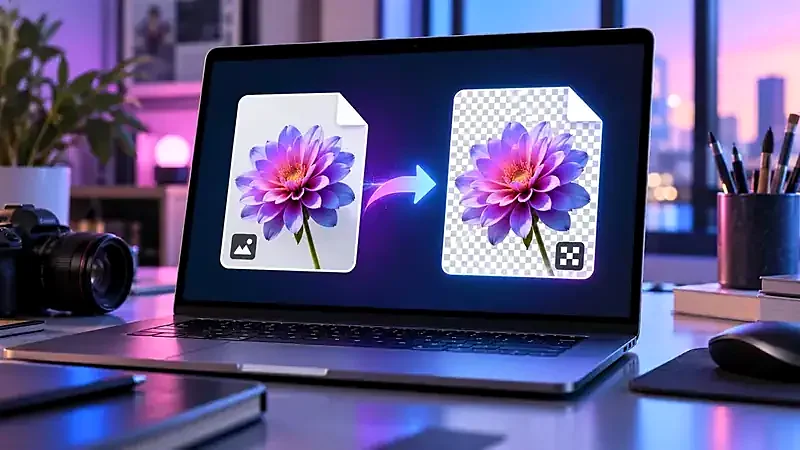
Why WebP files cause trouble
WebP is designed to make web images smaller, and websites use it heavily. When you right-click and save, you get the WebP file. All current browsers can open it, but plenty of other software cannot: older versions of image editors and office programs, some print-on-demand services, and many forms that accept only JPG or PNG. Your file is not broken; the receiving app is simply not prepared for the format.
How to convert WebP to PNG
- Open the Image Converter.
- Drop your WebP file, or choose it from your device.
- In Convert to, choose PNG.
- Press Convert image and download the PNG.
The conversion happens in your browser, so the image is not uploaded anywhere.
PNG or JPG?
- PNG if the image has transparency (such as a logo or a cut-out), contains text or sharp lines, or you will edit it further. The conversion itself loses nothing.
- JPG if it is a photograph and the file must be small. Transparent parts will become white.
What happens to quality?
A WebP image that was saved with lossy compression has already lost some detail. Converting it to PNG preserves exactly what is there but cannot bring back what was removed, and PNG files of photographs are large. If you convert a lossy WebP to JPG, you add a second round of lossy compression, so use a high quality setting (90 or above) and keep it as a one-time step. We explain the numbers in how to compress images without losing quality.
Why is the PNG so much bigger?
PNG stores every pixel exactly, so a photographic image can balloon to several times the size of the WebP file. That is normal. If size matters, convert to JPG at quality 85–92, or compress the result with the Image Compressor. See PNG vs JPG vs WebP for measurements.
Saving images from a website as PNG or JPG directly
Some websites serve different formats to different browsers, so “Save image as” gives you whichever format they chose. If you only need to convert occasionally, the converter on this site is the easiest way. If you are a site owner, remember that offering WebP is good for speed, and that you can keep a JPG or PNG original for people who need it.
Animated WebP
This converter takes a single frame, so an animated WebP becomes a still picture. To keep animation you need a tool that handles animated formats.
Other ways to convert a WebP file
- Windows: recent versions of Paint open WebP files. Choose File, Save as, and pick PNG or JPEG. Older versions may need a WebP codec extension from the Microsoft Store.
- Mac: open the file in Preview, then choose File, Export, and select PNG or JPEG as the format.
- Phone: open the Pixetools converter in your mobile browser. It works the same way as on a computer, and the file never leaves your device.
Tips if you convert many images
The converter handles one image at a time, which keeps everything private and fast. For dozens of files, a desktop tool or a command-line utility will save time. When you do convert, keep the original WebP files: they are the smallest copy you have, and you can always make a new PNG or JPG from them later.
For website owners
If visitors often ask for a different format, you can serve WebP to browsers that support it and keep a JPG or PNG fallback using the HTML picture element. We show how in responsive images in HTML.
Try it: Image Converter
Convert between PNG, JPG and WebP in one click. Free, private, and it runs in your browser.
Open Image ConverterFrequently asked questions
How do I open a WebP file?
Modern browsers open it directly: drag the file into a browser window. To use it in other software, convert it to PNG or JPG.
Does converting WebP to PNG keep transparency?
Yes.
Is it safe to convert images online?
With Pixetools, yes: the conversion runs in your browser and the file is not uploaded.
Why are some downloaded images .webp?
Websites often serve WebP because it loads faster. Your browser saves what it received.
Can I convert PNG back to WebP?
Yes. Choose WebP in the converter. The result is usually smaller than the PNG.